matplotlib
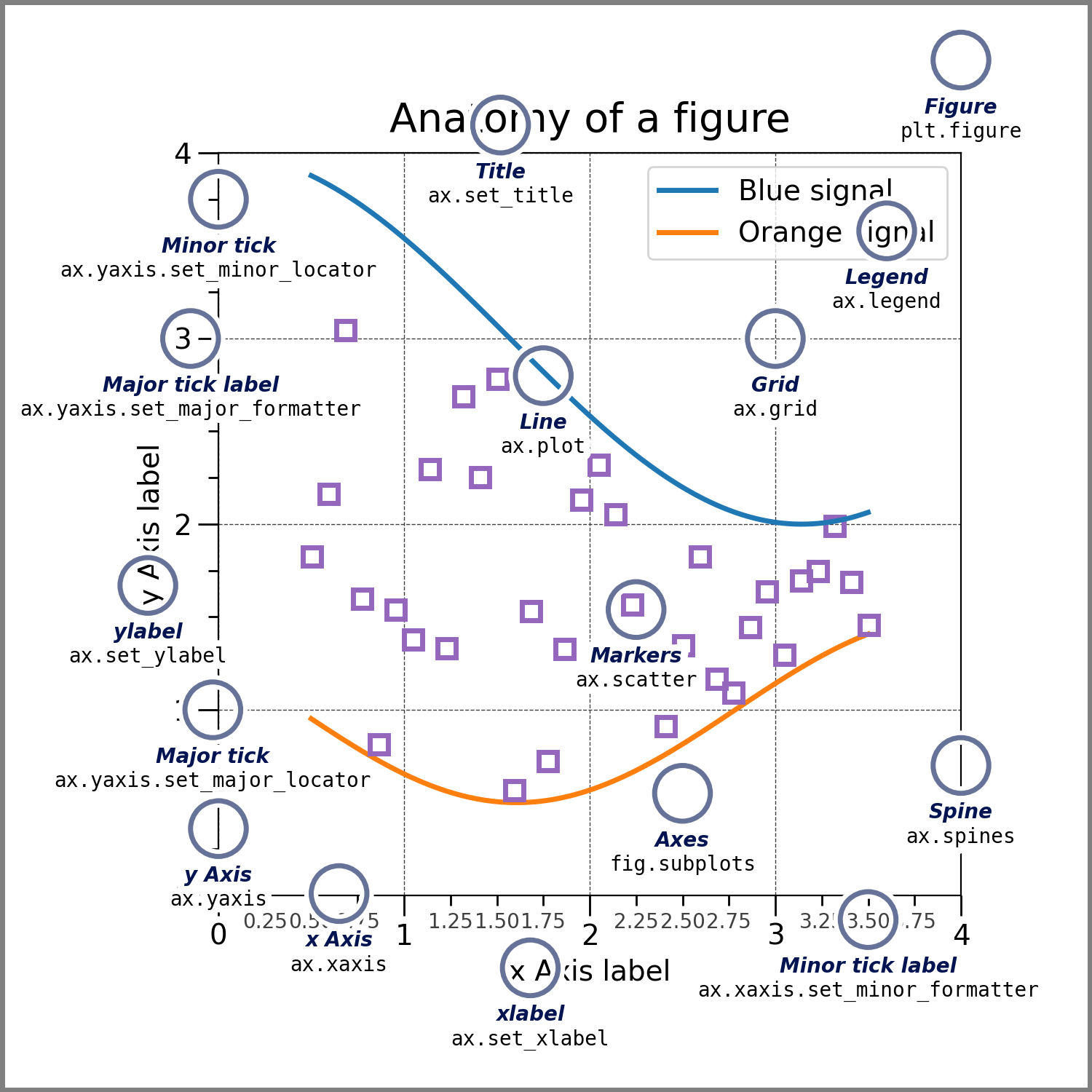
https://matplotlib.org/stable/tutorials/introductory/quick_start.html
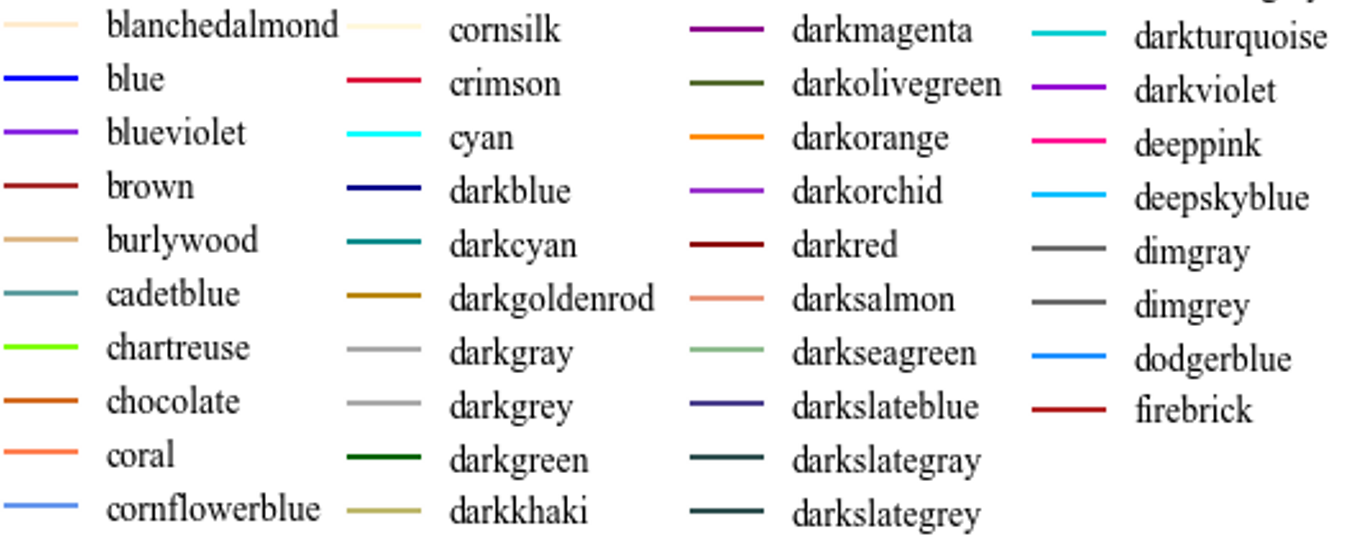
colors
heading_colors = ["blanchedalmond","blue","blueviolet","brown","burlywood","cadetblue","chartreuse","chocolate","coral","cornflowerblue","cornsilk","crimson","cyan","darkblue","darkcyan","darkgoldenrod","darkgray","darkgrey","darkgreen","darkkhaki","darkmagenta","darkolivegreen","darkorange","darkorchid","darkred","darksalmon","darkseagreen","darkslateblue","darkslategray","darkslategrey","darkturquoise","darkviolet","deeppink","deepskyblue","dimgray","dimgrey","dodgerblue","firebrick"]
中文+TimesNewRome
使用
import matplotlib.pyplot as plt
plt.rcParams['font.sans-serif'] = ['TimesSong']  # 指定宋体
plt.rcParams['axes.unicode_minus'] = False  # 解决保存图像是负号'-'显示为方块的问题
安装步骤
找到路径:
import matplotlib
print(matplotlib.matplotlib_fname())
得到路径:root/miniconda3/lib/python3.8/site-packages/matplotlib/mpl-data/matplotlibrc
将文件[[TimesSong.ttf]]挪到.../mpl-data/fonts/ttf里面,再vimmatplotlibrc
....
font.family: sans-serif #取消这一行的注释
....
font.serif: TimesSong,... #将添加的种类加到第一个
清除缓存并重启python
rm ~/.cache/matplotlib/fontlist*
source ~/miniconda3/bin/activate ${YourEnvName}
运行
from matplotlib.font_manager import get_font_names
get_font_names()
确认是否包含添加目标字体TimesSong
最后,保存图为svg。运行:
apt-get install pdf2svg
添加函数:
def save_fig(filename):
    filename = "./figure/"+filename
    plt.savefig(filename+".pdf", dpi=600, box_inches='tight')
    os.system("pdf2svg "+filename+".pdf "+ filename+".svg")